
Yes. The code structure, label format, data fields, user roles, reporting view and integration route can be configured after reviewing the process.

Inventory management in logistics works when the system follows the way goods actually move. Every receipt, transfer, dispatch, batch update and scan should connect with a clear action on the floor. Veritech builds inventory management around that operating flow, so teams can identify stock, reduce manual errors and keep a cleaner trail across warehouses and distribution points.
The goal is not to add another complicated dashboard. The goal is to make stock easier to check, easier to reconcile and harder to misread. Depending on the product and process, the setup can use Serialized labels, security barcode labels, QR codes, serial numbers and digital records to connect physical packs with reliable data.
What is inventory management in logistics?
Inventory management in logistics gives teams structured visibility of stock quantities, locations, batches and movements. It helps a brand know what has arrived, what has moved, where an item is sitting and which event needs attention.
In a software-led setup, the work usually covers data capture, user permissions, event tracking, exception handling and reporting. The system has to be simple enough for operators to use during daily work and detailed enough for managers to make decisions from it.
For SEO, the page should define inventory management in logistics early and plainly. A buyer should know within a few lines whether the solution can support warehouse movement, stock verification, dispatch control or a connected traceability workflow.

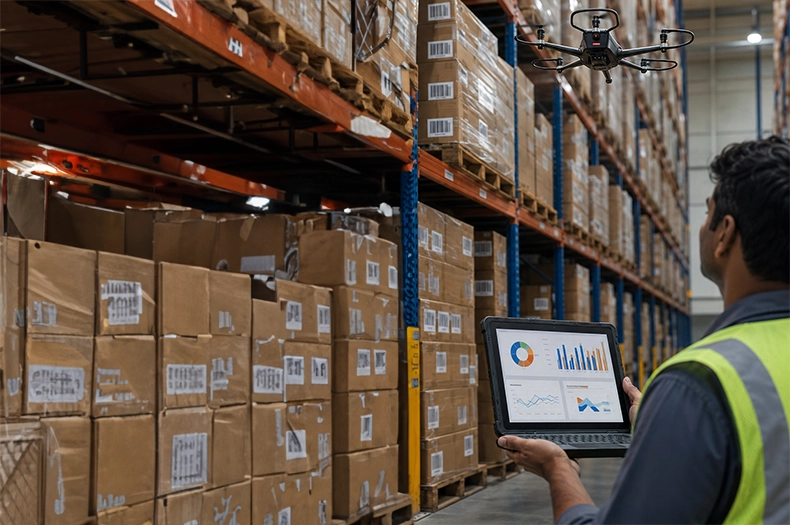
Teams usually start looking for inventory management in logistics when the current process depends too much on spreadsheets, email updates or manual reconciliation. The pain is often visible in delayed stock checks, weak channel visibility, unclear batch movement, warranty confusion or mismatched reports.
A better setup gives every team a cleaner record. Operations can track movement faster. Sales and service teams can respond with better information. Management can see stock status without waiting for scattered updates from different locations.
Each item, pack, carton or batch can carry a code that connects it with the right record. This reduces dependency on manual entries and gives users a faster way to check stock movement.
The system can record the main stock events that happen across warehouses, distribution centres and field movement. These records help teams see where stock entered, where it moved and when it left.
Batch and location data helps when products move across multiple storage points or channel partners. It is especially useful for brands that need tighter control over age, expiry, warranty, diversion risk or service history.
A scan-based or code-based workflow reduces repeated typing and makes mismatches easier to catch. Reconciliation becomes faster because the system already carries the movement trail.
Inventory management fits best where product movement must stay visible after manufacturing or dispatch. It is useful for teams that need stock control, batch visibility, field verification, warranty support or a link between physical packs and digital records.
For software-led rollouts, the first step should be the user journey. Veritech can review who creates data, who scans it, who validates exceptions and which reports the business needs after launch.





Map the user journey. Decide who creates data, who validates it and who acts on exceptions.
Set the check points. Product movement, warranty events, reward claims and authentication scans should be clear before configuration starts.
Define the reporting need. Dashboards help only when they show the decisions the team needs to make.
Plan integration early. If the system must connect with packaging data, ERP, CRM or field verification tools, define that before rollout.
Pilot with real users. A short live test will expose training gaps and workflow friction faster than a long requirement document.
Veritech brings the physical and digital sides together. That matters because inventory data often begins with a physical pack, label, barcode, QR code or security feature. A system that looks clean in a demo will not stay useful if it does not match the product flow.
Veritech can review the product, pack surface, quantity, movement points, security goal and intended check point before recommending the right inventory management structure. This keeps the page grounded and gives sales teams a better starting point when an enquiry moves into specification.
Before choosing an inventory management setup, settle a few operating questions. What needs to be tracked? Who will scan it? Where can errors enter the process? Which reports should be visible after launch? How much change can the current team absorb without slowing dispatch?
These questions make the recommendation more accurate. They also keep the content honest. Inventory management in logistics is not a universal plug-in for every process. It performs best when the workflow, code structure, user roles and reporting need are mapped before rollout.
This context also supports close search themes such as Serialized labels and security barcode labels without turning the page into a keyword list.

Yes. The code structure, label format, data fields, user roles, reporting view and integration route can be configured after reviewing the process.
Yes, where the application supports it. Veritech can connect physical codes with digital records for stock movement, verification or reporting.
Selection depends on the product, pack format, scanning points, user roles, reporting requirement, integration need and expected volume
In many cases, yes. The integration path depends on the current workflow, data source and the level of traceability or verification needed at each step.
Share the process map, user roles, expected volumes, exception points and the reporting view the team wants after launch.